Blocking
Give an AI agent such as GPT or Claude a shot list and visual references. For each cut, specify where Tim and Jin stand relative to the roof edge, who moves first, the lens, the camera height and the timing. Through Blender MCP the agent builds proxy towers, places the cable and characters, animates their actions and renders an animatic. Review the silhouette, eyelines and cuts. Give the agent timecoded corrections and render another pass before generating the final footage.
Characters
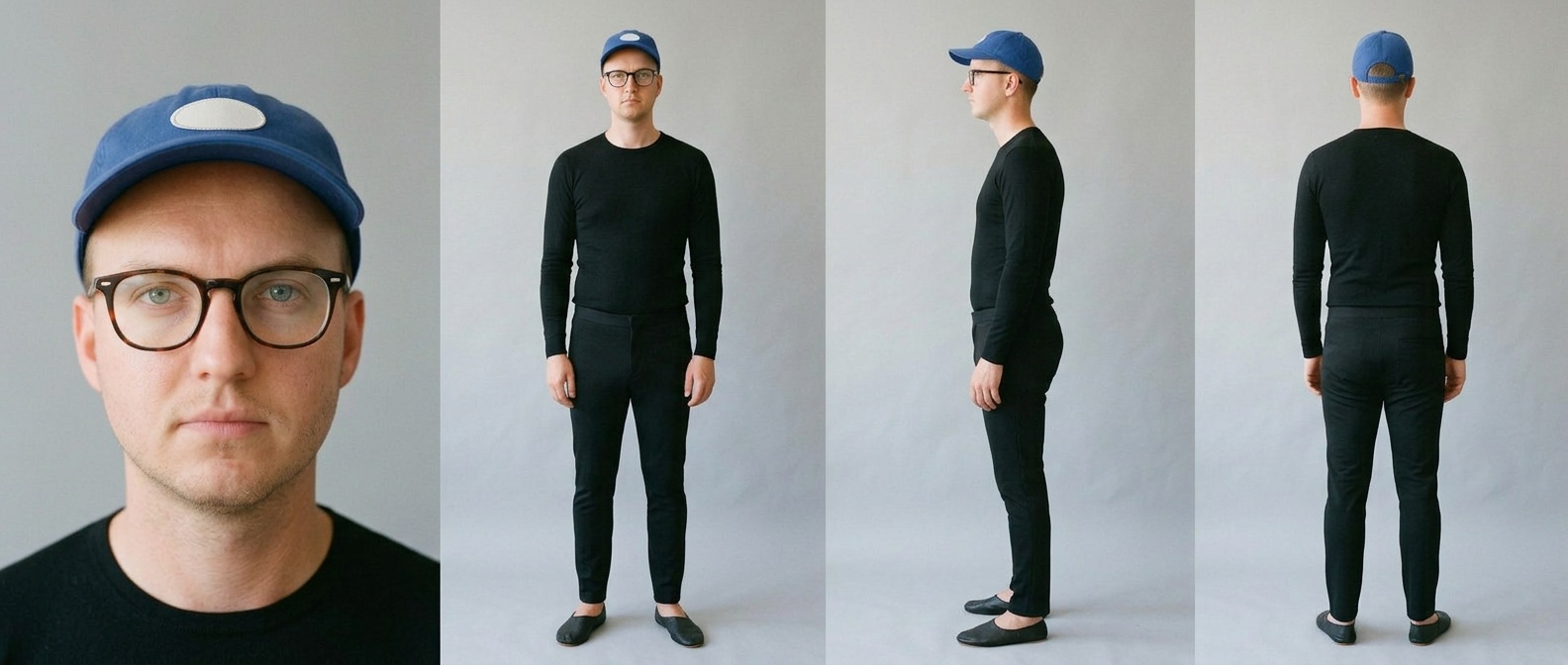
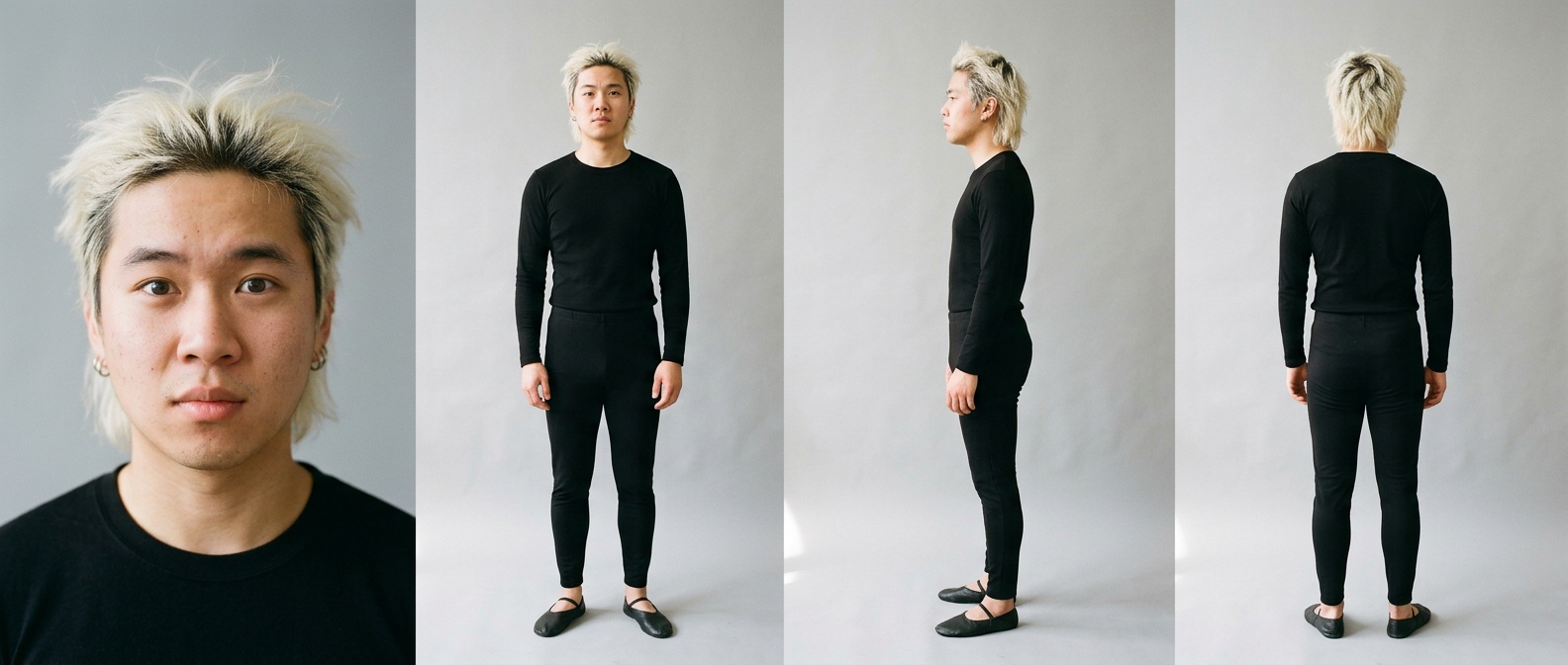
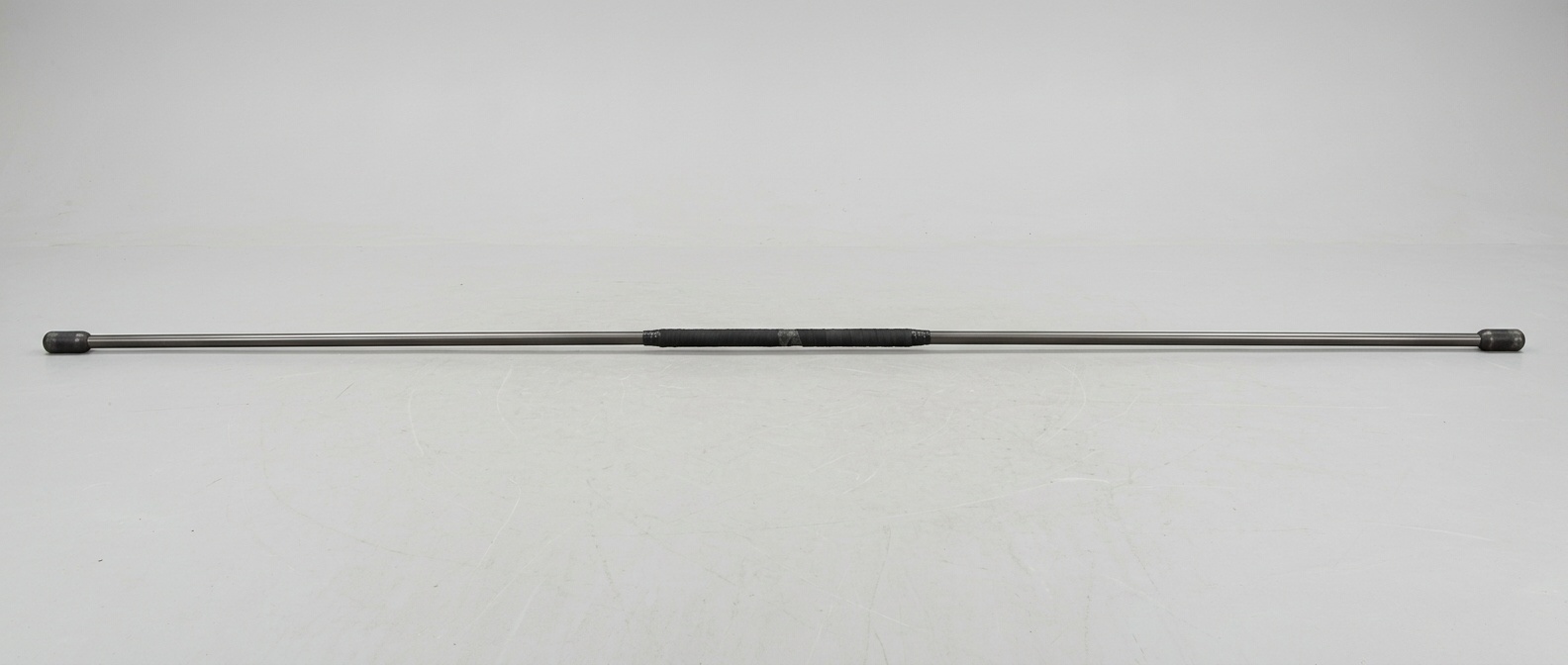
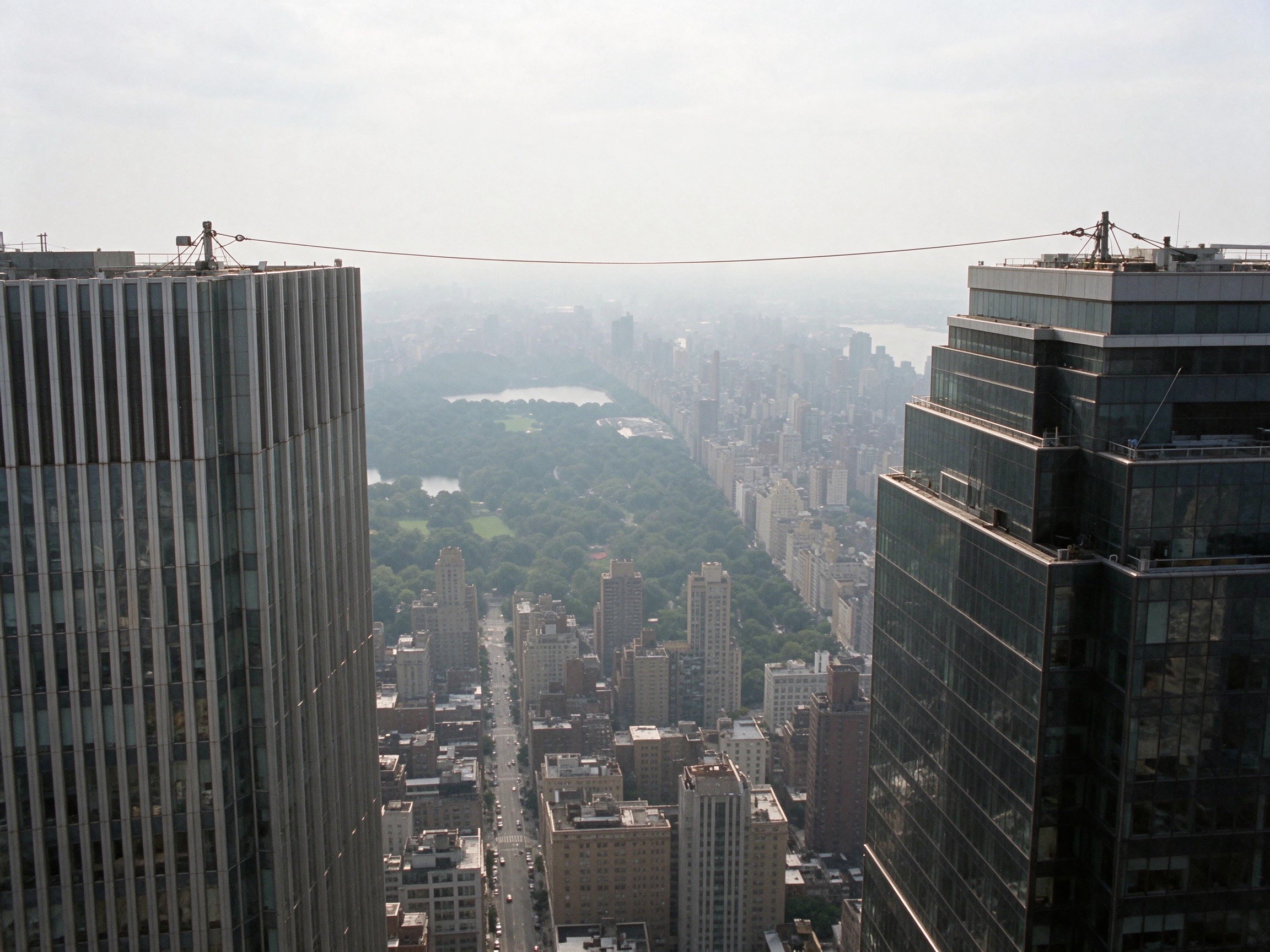
Upload each reference in the image generator. In each @ slot, select the corresponding upload: @Tim and @Jin are face references for the wardrobe sheets. For the scene, use @TimWardrobe and @JinWardrobe for the finished sheets, @Pole for the balancing pole, @Manhattan for the location, @Blocking for the camera layout and @PreviousShot for the preceding approved frame.
Location
Seedance 2.5
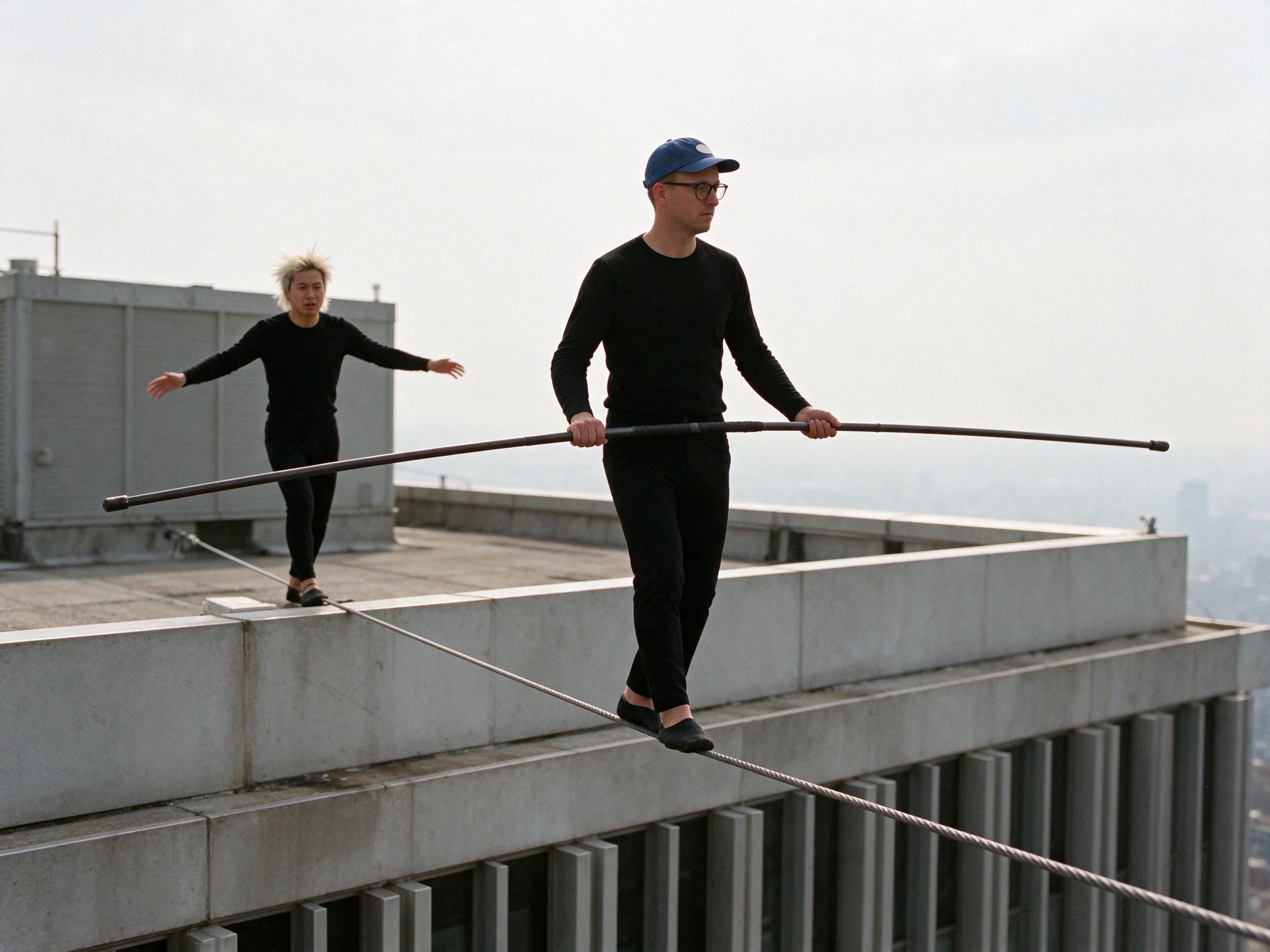
Use this additional reference before generating the three scenes. The diagonal wire and the size difference between Tim and Jin tell the model where the camera sits and how far each actor is from the roof edge.
The AI agent split the finished 3D animatic into three clips. We animated each clip separately in Seedance 2.5 to save time and generation credits.
9 seconds, 5 shots. The wide shot shows the distance between Tim and Jin.
11 seconds, 5 shots.
10 seconds in one continuous take.
Edit and sound
The AI agent cut the three finished Seedance clips into one film.
For dialogue, we recorded voice samples separately or chose an existing voice for each character. We labelled the samples Tim and Jin and attached the matching reference to each speaking part. That kept each character’s voice consistent across all three scenes.
What made it work
- Choose the shot size for the action. Start wide to show the gap between the walkers, then cut to a close-up of the foot slipping.
- Place the camera relative to the wire. Specify its height, which side it is on, who is in frame and what the lens follows.
- Generate extra reference frames from screenshots of the blocking. Match the roof edge, the wire diagonal and the actors’ positions before animating.
- Give revisions a timecode and one visible change. Attach a film still for framing or a short clip for camera movement, and say which detail to match.
All prompts in one file
Eight prompts for the Manhattan film: Tim’s and Jin’s wardrobe sheets, the balancing pole, the rooftops, a perspective reference and three Seedance video prompts.
Download all prompts